Employees
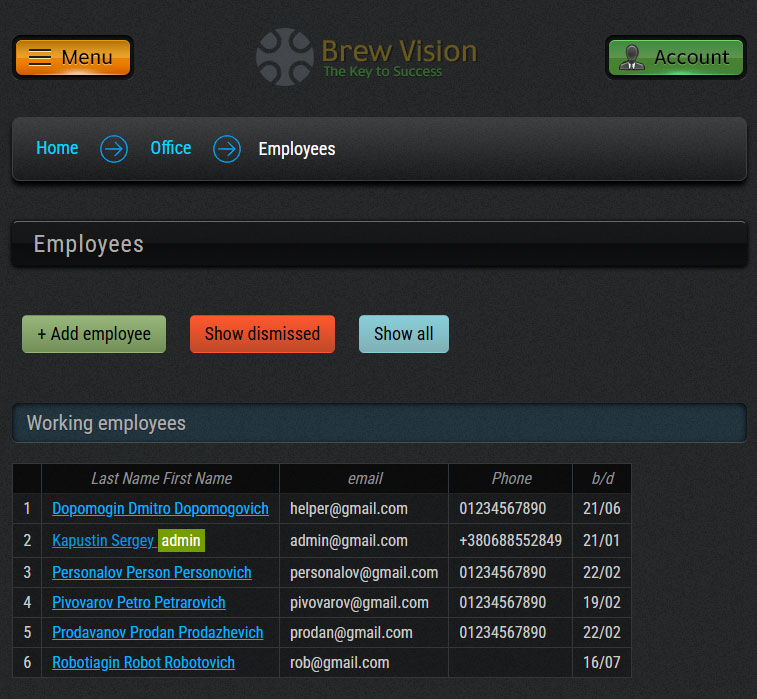
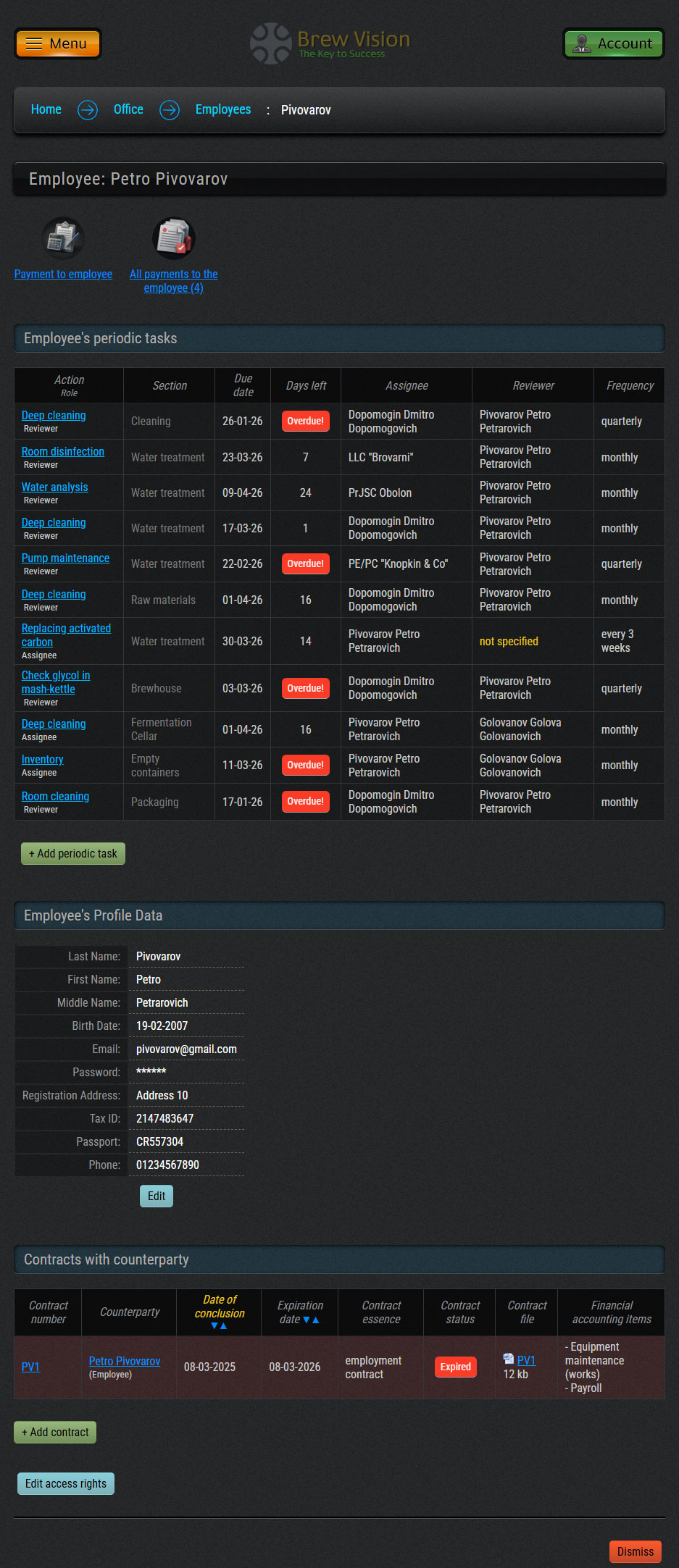
- List and data of employees
- Distribution of access rights to enter and edit data
- User profile
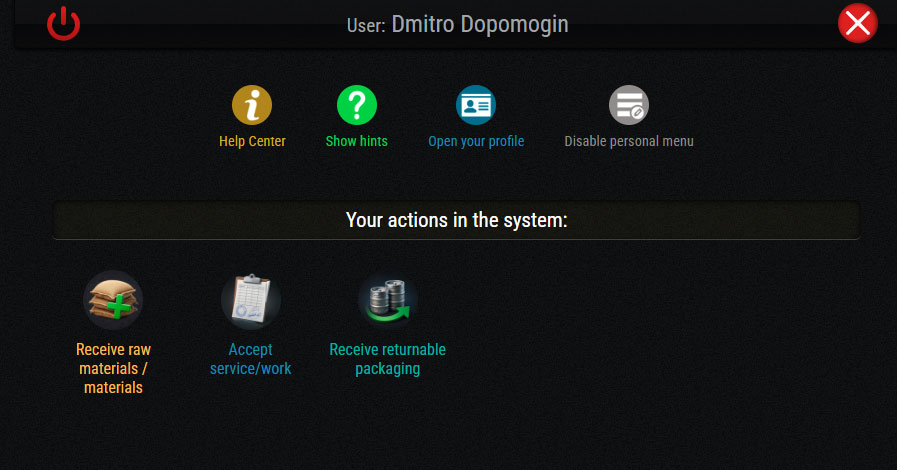
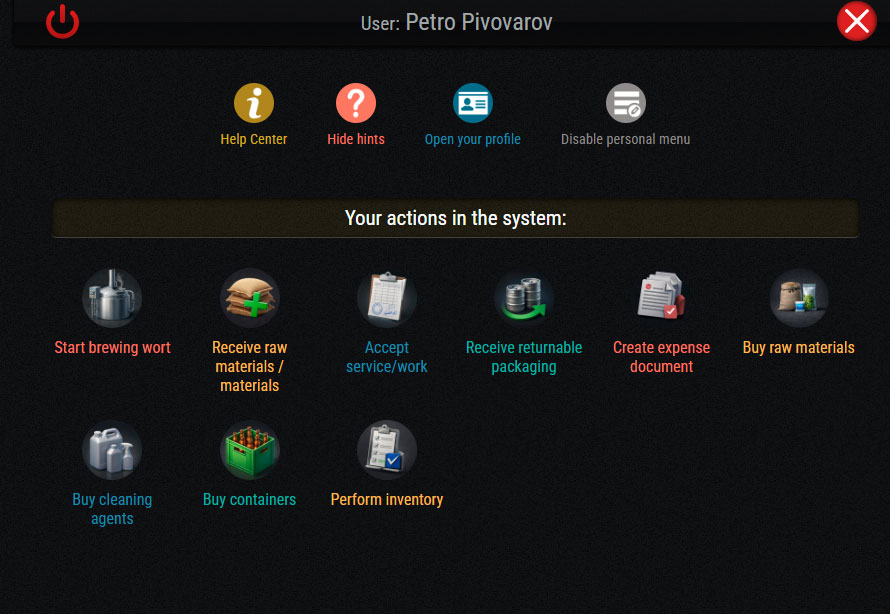
- Personal settings (personal menu, personal actions in the system)
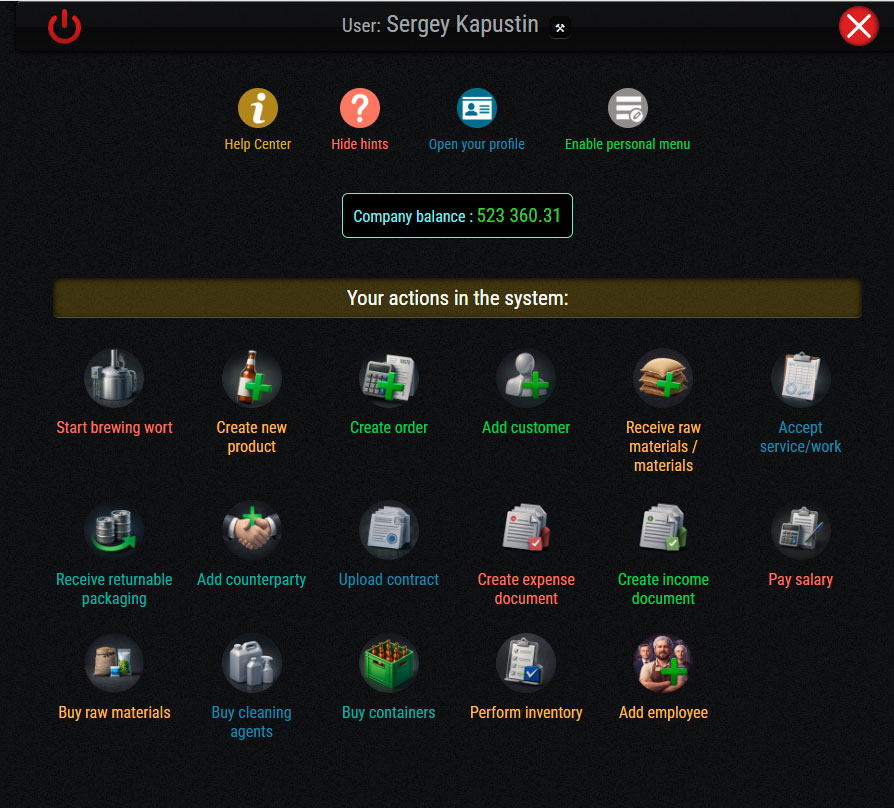
The "Your actions in the system" block provides quick access to the actions in the system that are available to the employee according to their position (access rights in the system), which speeds up their access to daily tasks.
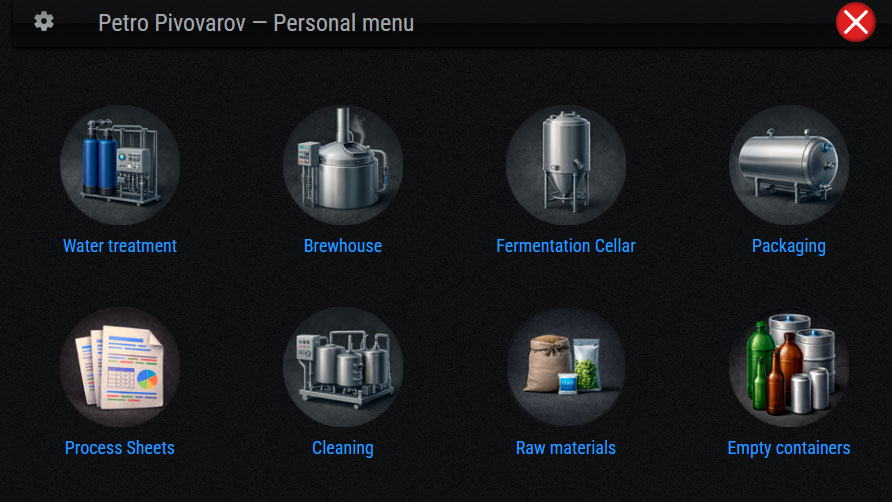
Each employee has the ability to configure their personal menu, which will contain only the buttons they need for their work. This way, all the necessary system pages are available to them in the main menu with a single click.
Request a demo version